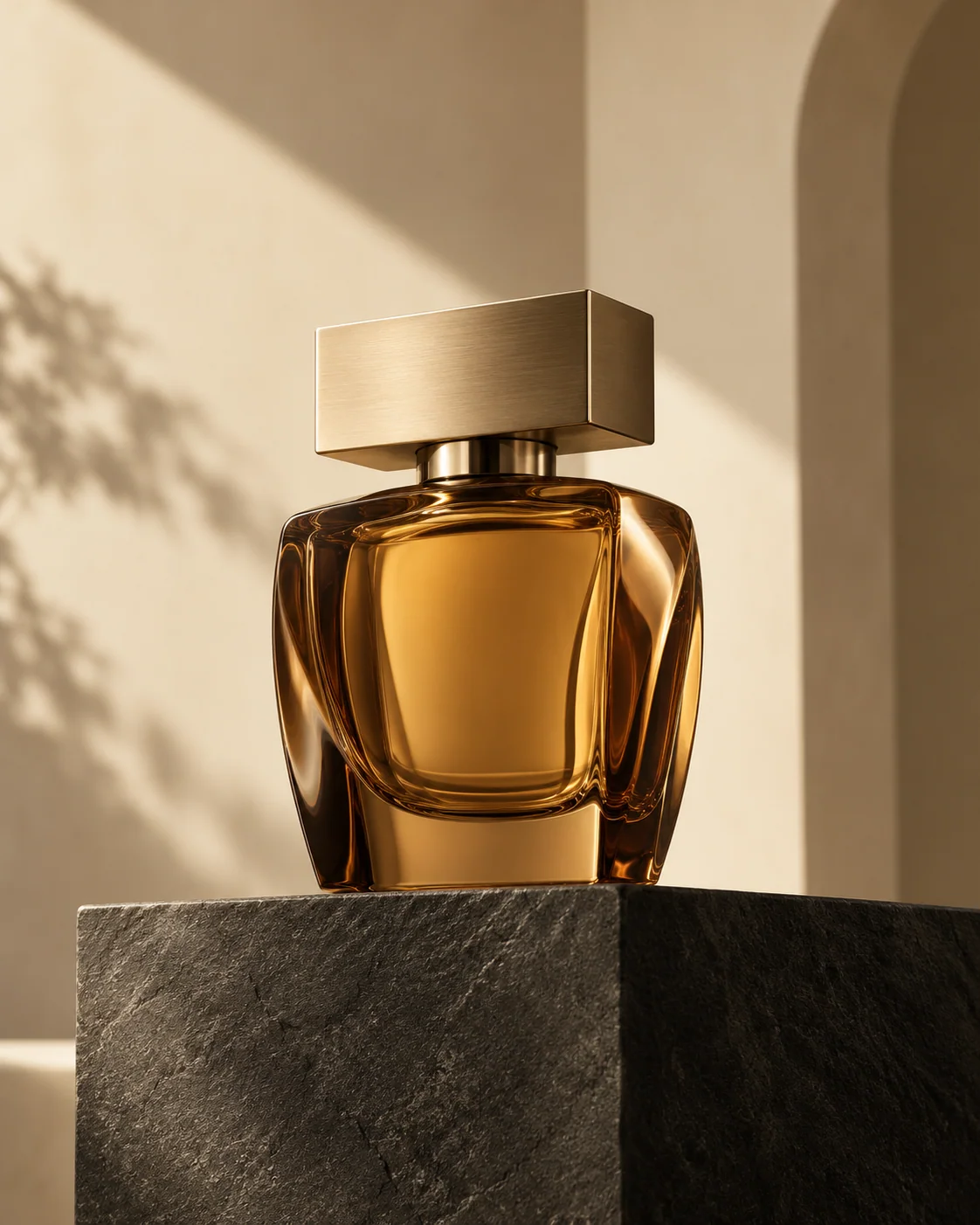
Give your product a setting.
Describe surfaces, light, framing, and the details that need to stay recognizable.
An interactive course by Asmal Digital
Learn to prompt, inspect, and improve AI images. Make something you can use, with a guide beside you at every step of your first project.
For beginners. Use one image tool you already have.
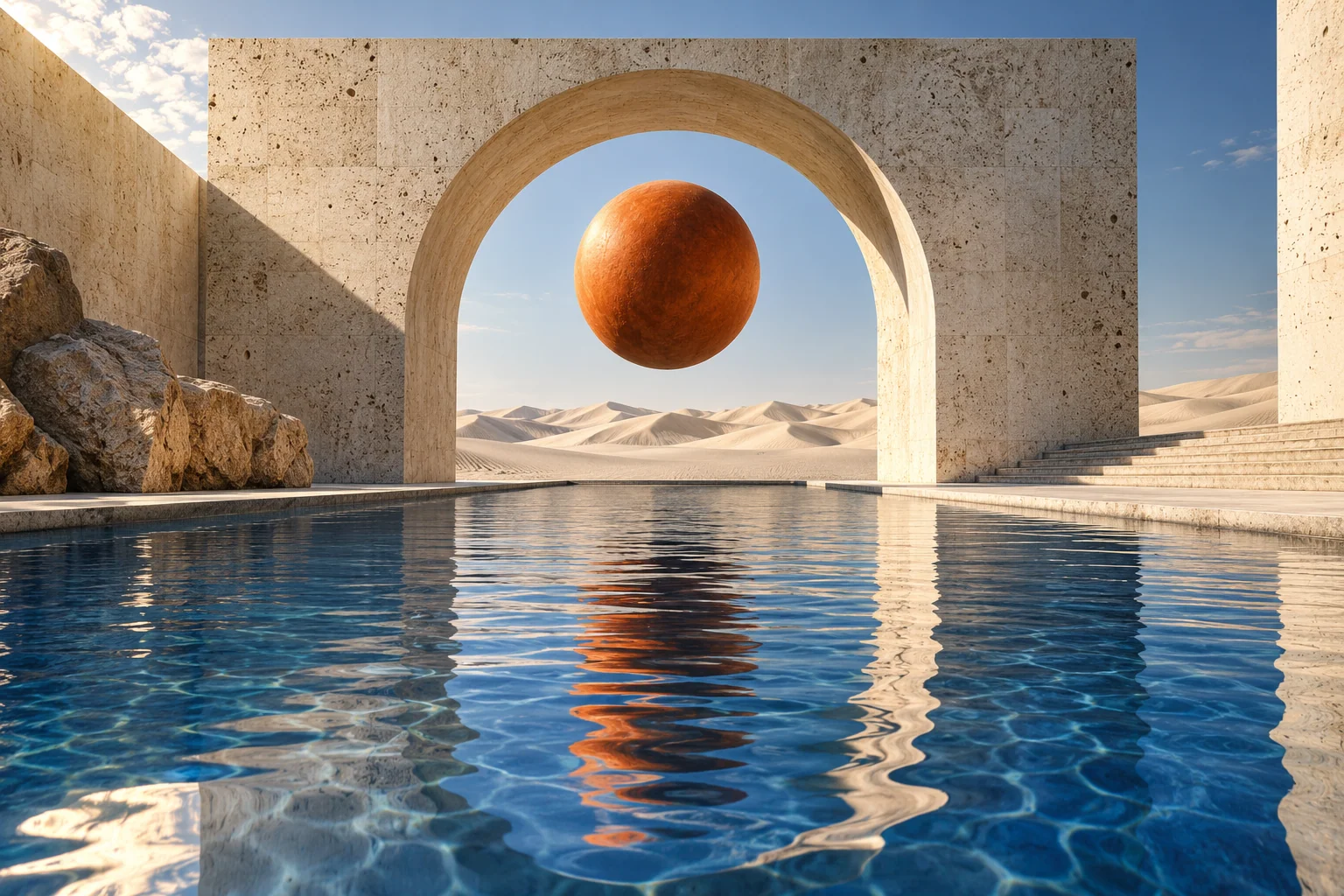 An idea, art-directed.
Learn with the tool you have.
Explore the others when you’re ready.
A product visual. A campaign idea. A portrait with the right mood. Pick a purpose, then learn the decisions behind the image.
Describe surfaces, light, framing, and the details that need to stay recognizable.
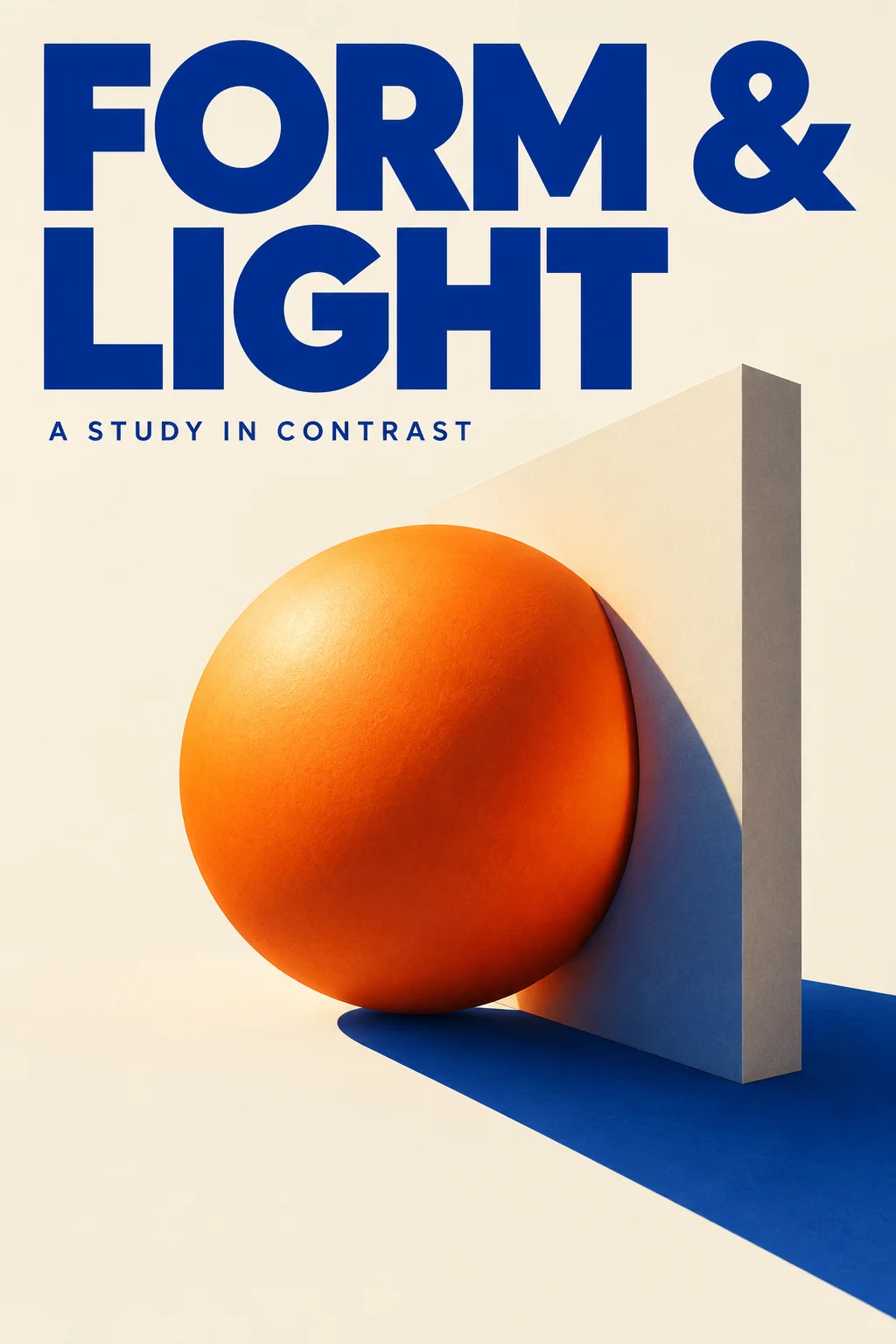
Plan a composition, specify the words, then inspect every letter and margin.
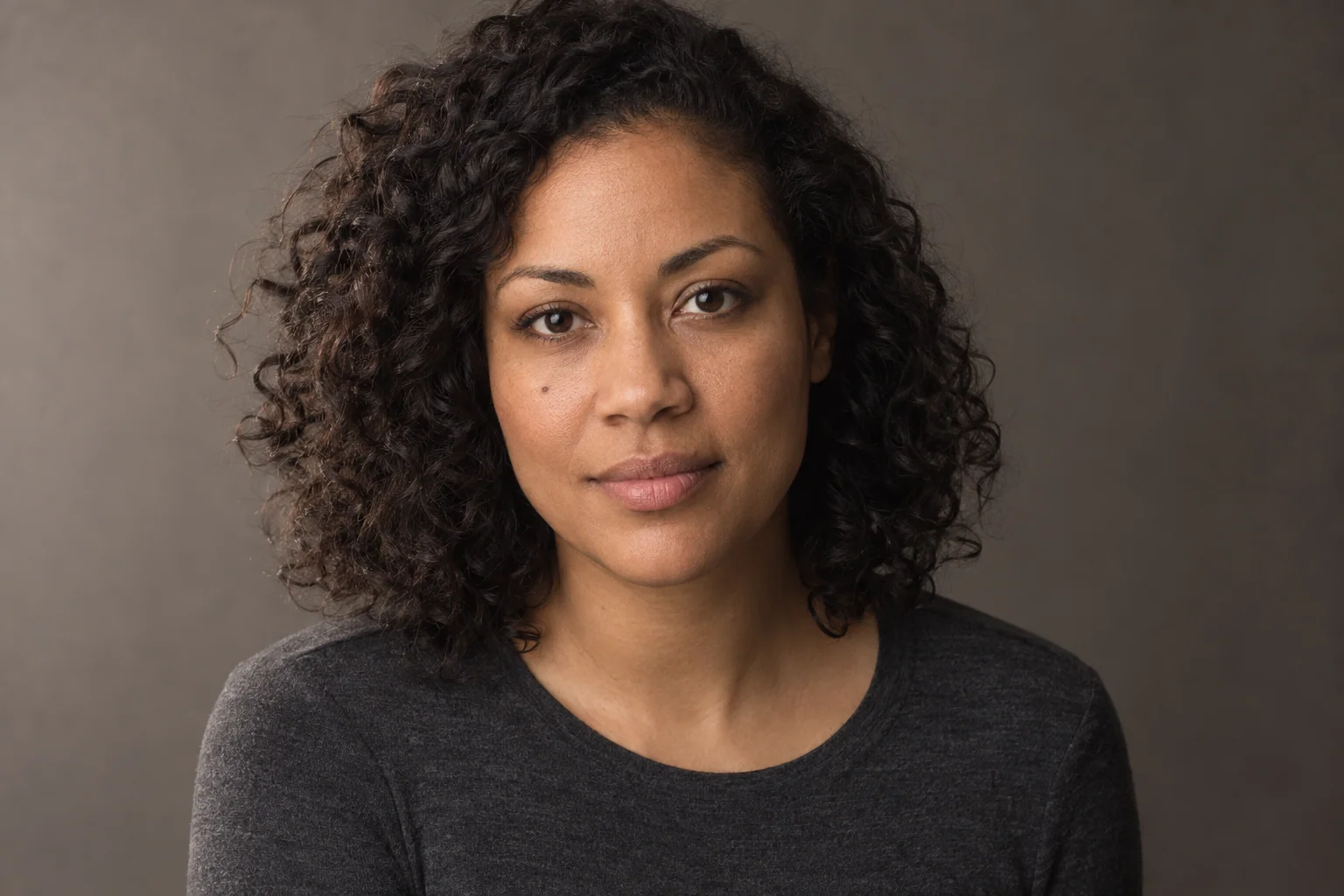
Learn to describe light, texture, expression, and what to check after an edit.
Illustrative OpenAI course samples with fictional subjects. These are learning examples, not customer results.
A sample from the visual lab
Good prompting includes looking closely. Compare the daylight source with a twilight edit, then inspect the arch, water, shadows, and reflections.
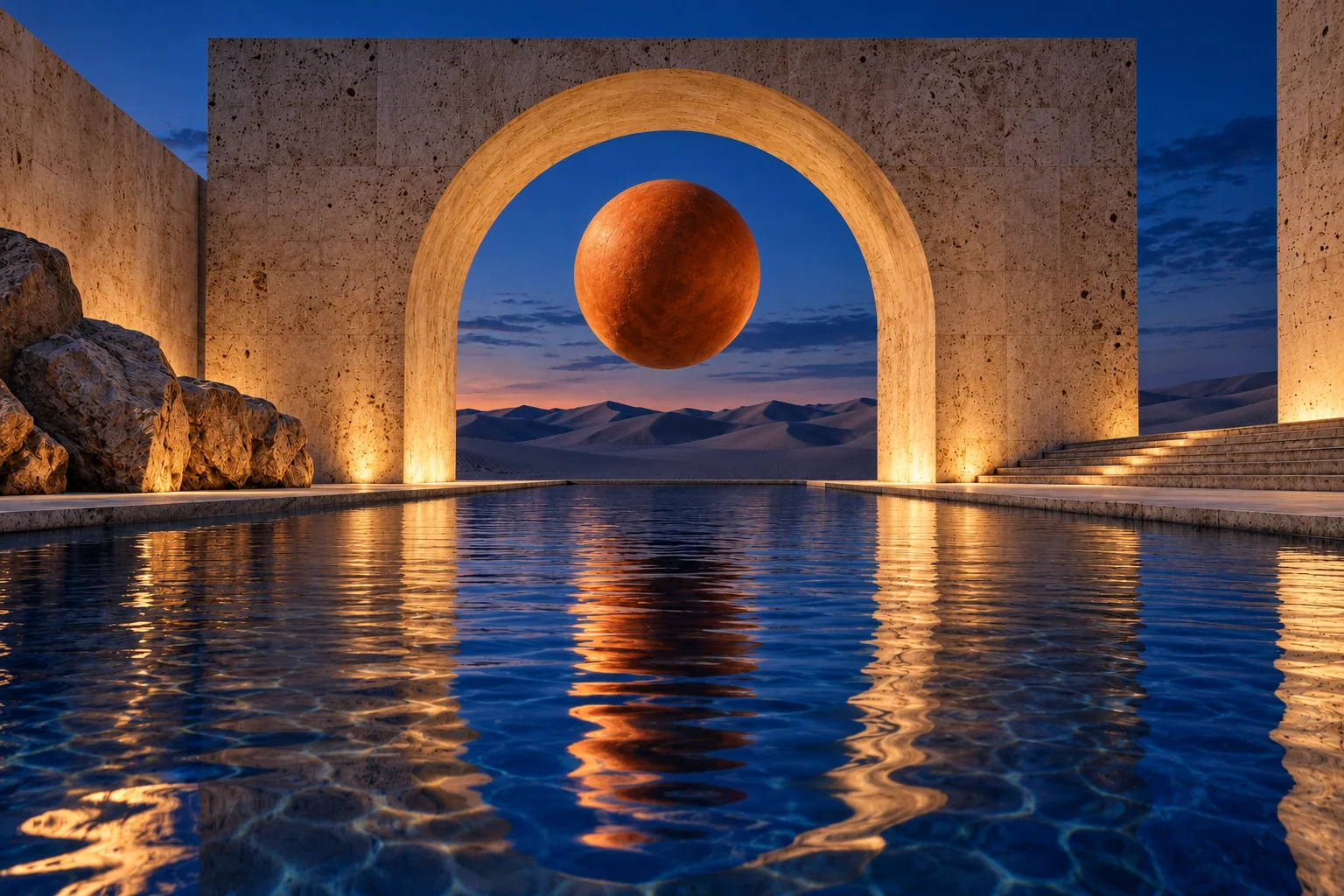
Actual reference edit: the course-generated daylight image was supplied to create the twilight version. Both use OpenAI image generation; the underlying model version was not recorded. This pair does not prove perfect preservation.
Get access for $7Your first project, one step at a time
No need to figure out the whole hub at once. The guide keeps your first project small and helps you move from an idea to a reviewed result.
Get access for $7Pick a goal and a tool. Replace the example subject with your own. The guide explains what each choice means.
Copy your prompt, open your chosen tool, and generate. Come back and confirm when you have an image to review.
Choose one detail to improve. Save your prompt and review note, then continue into a lesson or the seven-day challenge.
AI Images Mastery Hub
Move from a first guided prompt to more deliberate lighting, composition, references, and edits. Keep practicing with tools you can return to.
The practical things to know.
After purchasing access, start with the first-image guide inside the course. You will pick something to make, choose an image tool, personalize a simple prompt, and see exactly what to do next. You can pause, skip, or resume the guide.
No. This is a learning hub and prompt workspace. You copy a prompt into a separate image tool to create or edit your image. Any subscription, generation credits, or usage limits for that tool are separate. Start with a tool you already have.
No. One is enough to follow the course. There are paths for ChatGPT Images, FLUX, Ideogram, and Google’s Nano Banana. Other paths are there when you want to explore, not as a shopping list.
Yes. This page uses original OpenAI-generated course artwork with fictional subjects. The twilight gallery is an actual edit of the daylight reference. The library also includes recorded FLUX and Ideogram outputs. Some newer model samples are still pending and are labelled. Examples show individual results, not a promise that your output will match.
The lighting workshop uses recorded AI narration, captions, and visual markers. It is a scripted exercise, not a live conversation. The first-image guide gives instructions and checks your progress through the steps; it cannot see what you do in another image tool.
The course saves prompts, notes, and progress in this browser. They do not sync between devices. Export your project and presets to keep a backup. Clearing browser data removes locally saved work. Imported comparison images remain in the current tab only.
US$7 is a one-time payment for six months of course access. Select Get access for $7 to continue to the Asmal Digital checkout and complete your purchase.
You have a 14-day, no-questions-asked money-back guarantee. Email support@asmaldigital.com within 14 days of purchase to request a full refund.
Email support@asmaldigital.com for support with the course.
Bring a subject. We’ll guide the next steps.